Triggers
The Trigger acts as the initial component within a flow, instigating the flow processing. Within the quickintegrate platform, various types of triggers are available, each catering to distinct functionalities.
SETP 1:
Once we Login to Quick Integration Platform to get started.
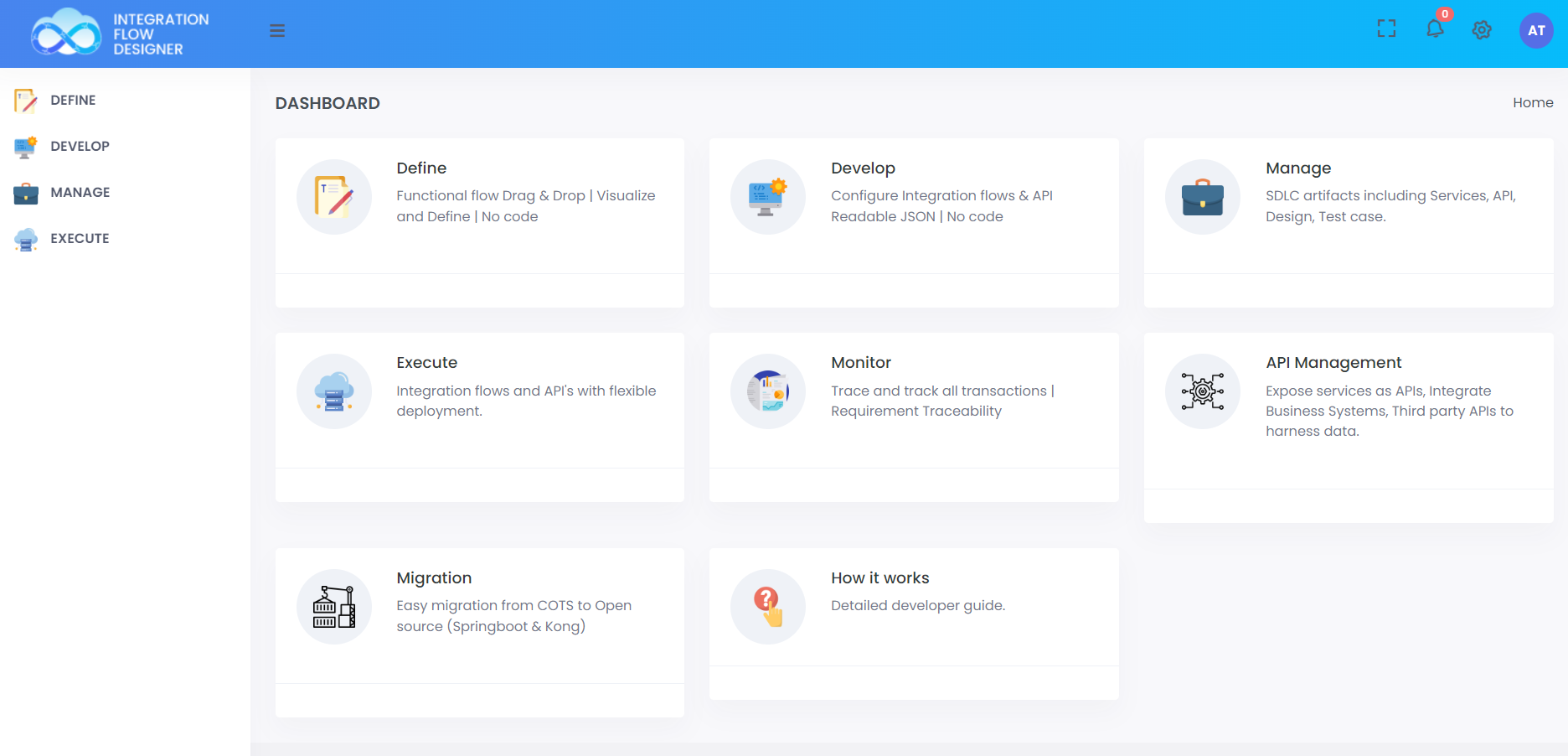 ;
;
STEP 2:
Click on Manage Option >> Projects >> Create to create the new project
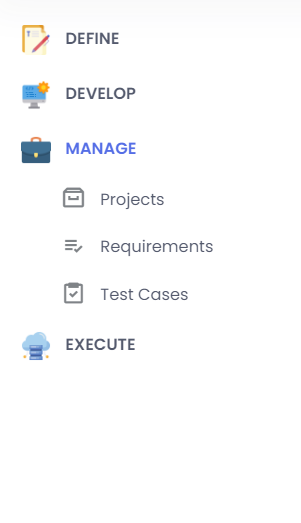 ;
;
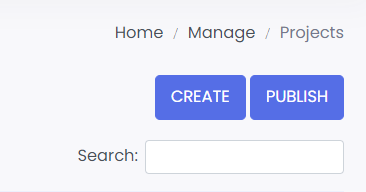 ;
;
STEP 3:
Go to DEVELOP >> Functionality API
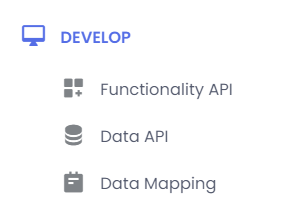 ;
;
STEP 4:
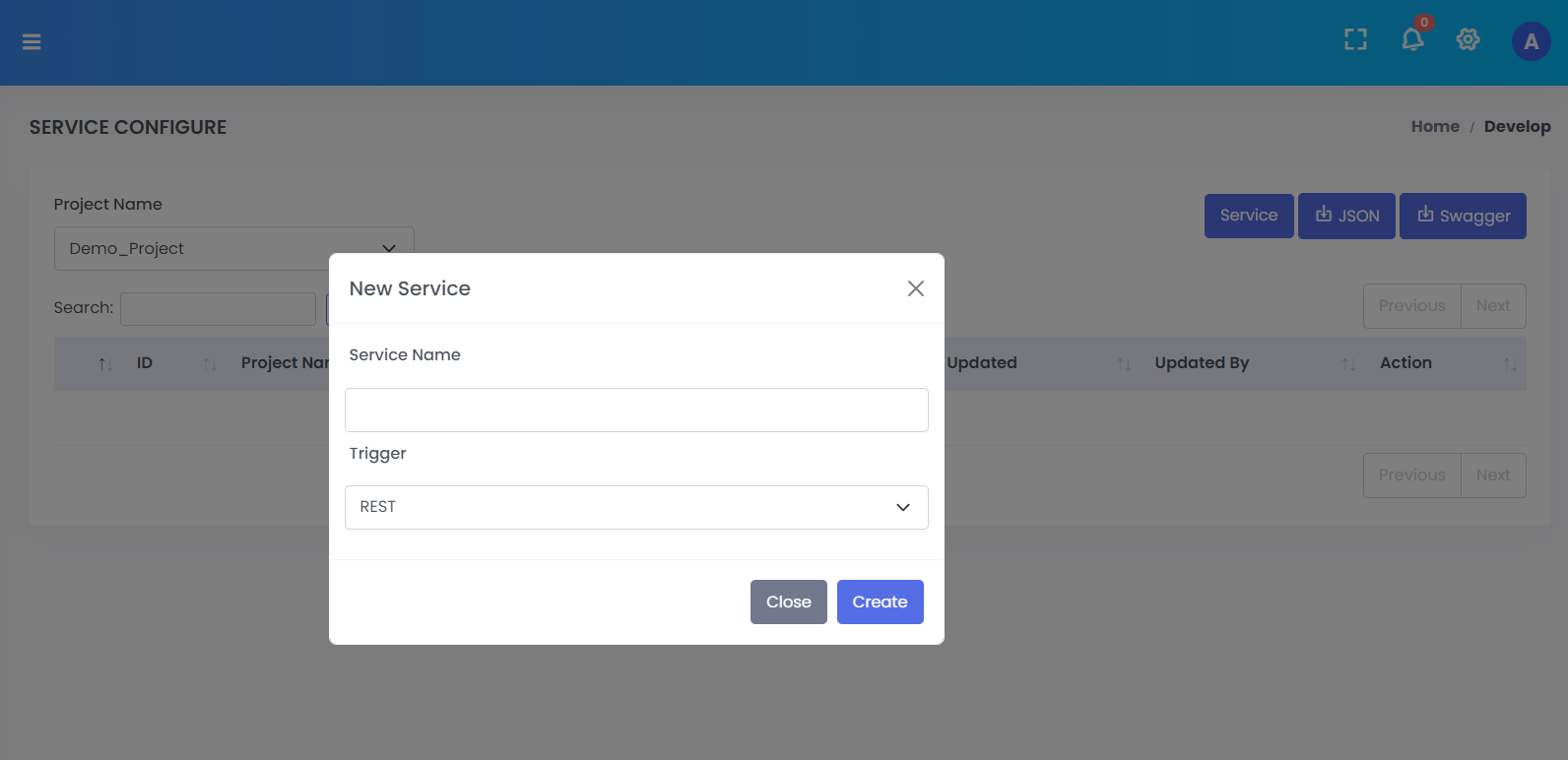
Select relevant project and create services in that project by cliking Service button.
 ;
;
STEP 5:
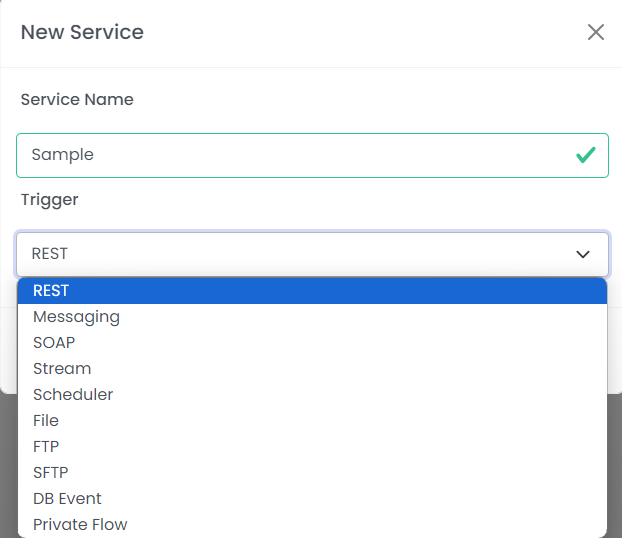
You will find all the triggers in drowndown while creating the flow
 ;
;
STEP 6:
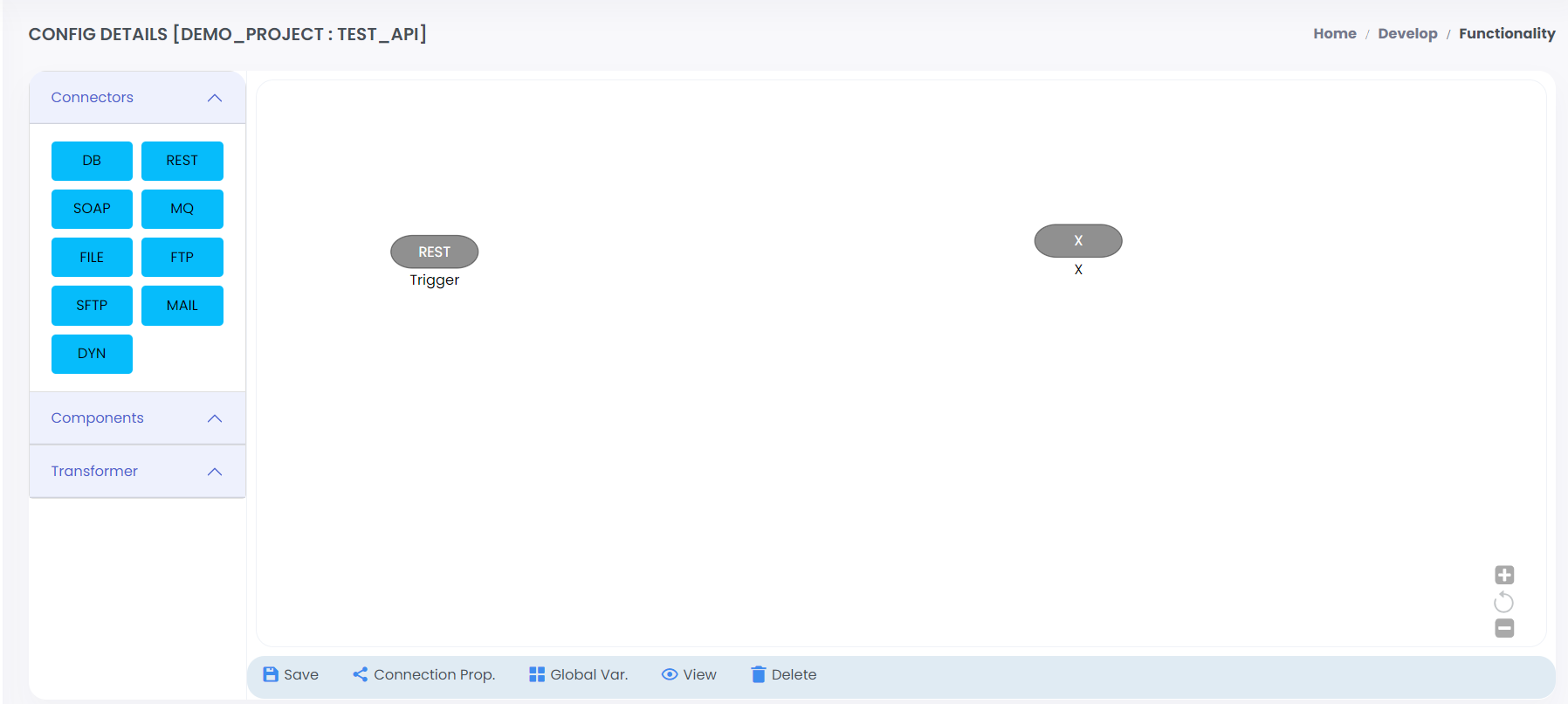
Once service name is provided, canvas will show up with selected Trigger
 ;
;
Gives up through triggers
📄️ Internal
The Internal Trigger is a straightforward trigger type exclusively available on the integration/studio page. It is designed to be called solely by the Internal Component within the same project. This trigger is particularly useful for encapsulating common functionalities that can be invoked repeatedly across different services.
📄️ DB Event
DB trigger is available to get the records from DB for newly created records.
📄️ File
File trigger is available to pick up file from a FTP or SFTP location for further processing.
📄️ Messaging
In order to transform messages quickintegrate platform provides component to make sure swift and efficient Message transformation.
📄️ REST
Quickintegrate platform supports REST API development using HTTP trigger where configurations can be defined such as host, port, uri/query params etc.
📄️ Scheduler
For SCHEDULER based API's, quickintegrate development kit has SCHEDULER Trigger which can be used for cron or frequency based triggers.